If you've been around Linux for a while, you know how spoiled package managers can make you.
Need Firefox? paru -S firefox
VS Code? paru -S visual-studio-code-bin
Need to update absolutely everything? paru
Done!
No browser tabs. No hunting for download buttons. No wondering whether the website you landed on is actually the official one.
Then you boot into Windows.
Reality hits.
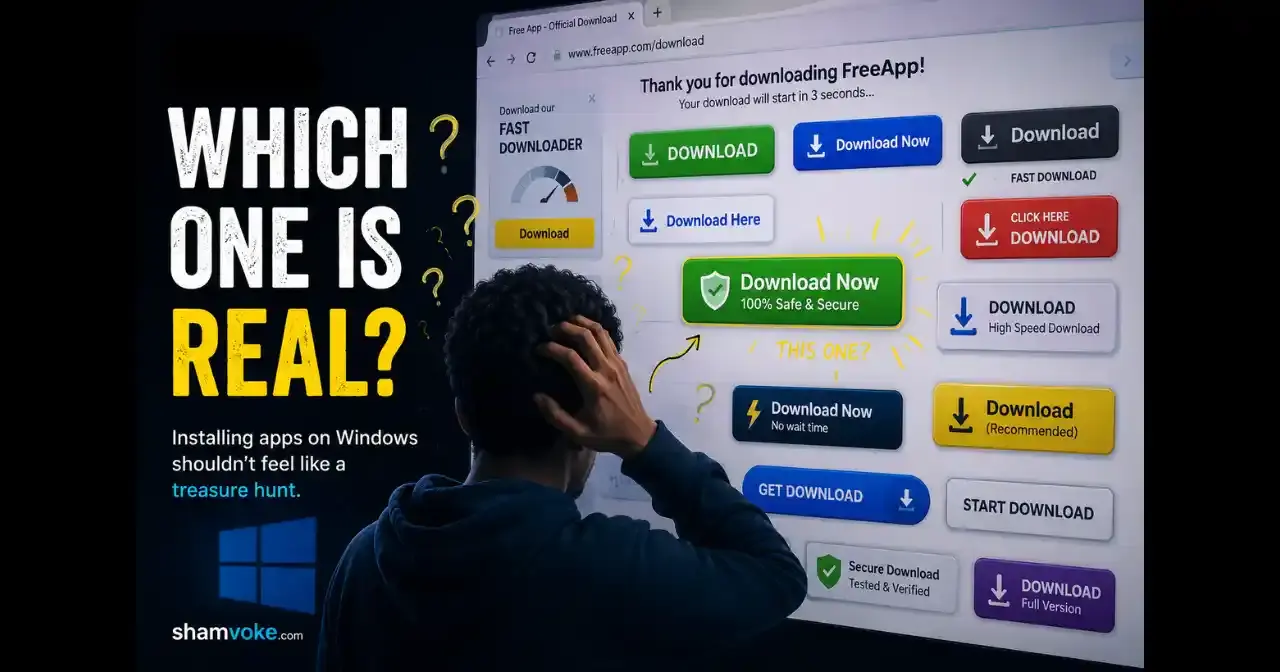
Installing Apps on Windows Feels Like a Treasure Hunt
The journey usually goes something like this:
- Open Google.
Or your favourite search engine - Search for the application you want.
- Trust your gut to find the official website.
- Find the actual download page.
- Ignore the twenty "Download Now" buttons.
- Download the installer.
- Open installer and click install.
- Click Next.
- Agree to some terms and conditions you'll never read.
- Click Next again.
- Uncheck the browser toolbar, antivirus trial, or whatever bundleware they try sneaking in.
- Click Finish.
Miss one step and congratulations, you've accidentally installed software you never wanted.
Linux Solved This Years Ago
Package managers have always been one of Linux's greatest strengths.
- Ubuntu users have
apt. - Fedora has
dnf. - Arch Linux has
pacman.
And if you're an Arch user like me, there's a good chance your favourite is paru.
- Everything comes from one place.
- Installing software is quick.
- Updating software is even quicker.
You spend less time managing software and more time actually using your computer.
Once you get used to that workflow, it's surprisingly difficult to go back.
Windows Is Finally Catching Up
To be honest, Windows has been moving in the right direction.
They introduced Winget, their official package manager.
There's also Chocolatey, one of the most popular community package managers, and tools like Scoop for developers.
Meet UniGetUI
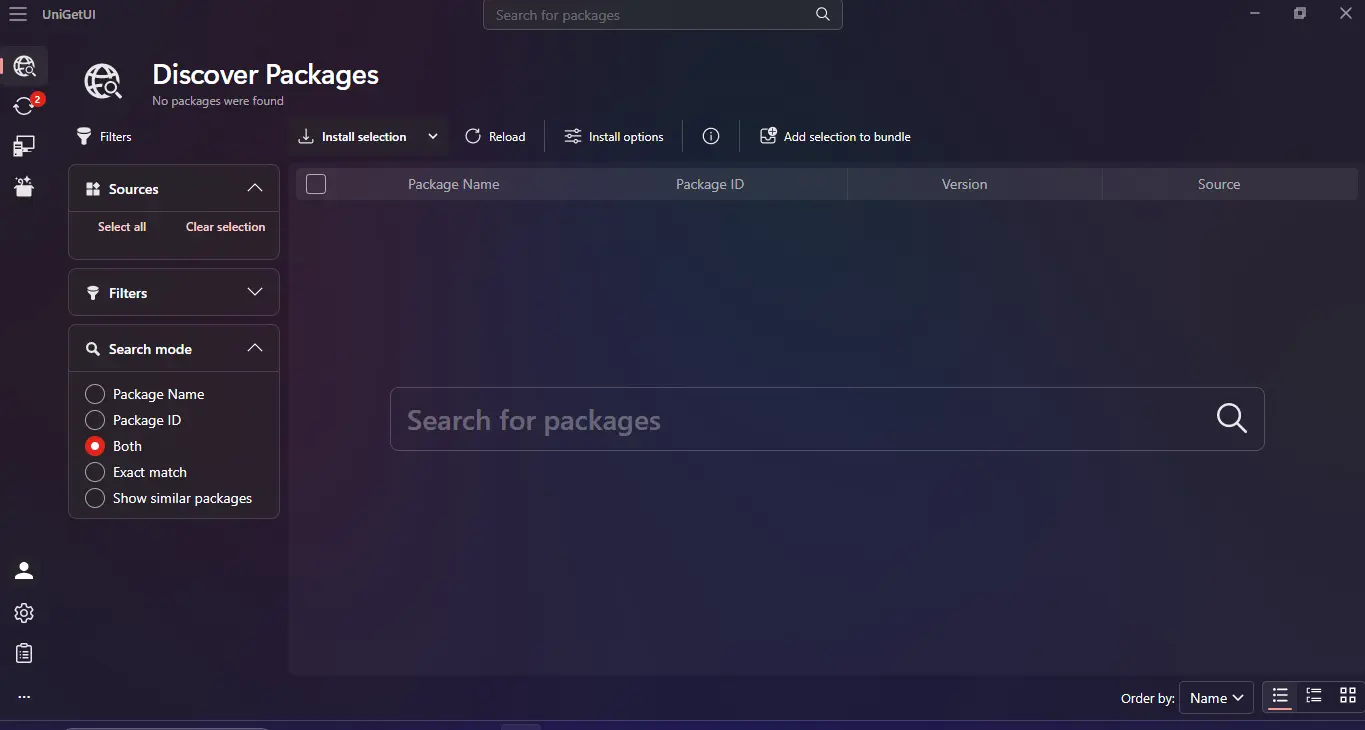
When I first discovered this application, it was called WingetUI.
Back then, it was simply a graphical interface for Winget.
- Open the app.
- Search for software.
- Click Install.
Behind the scenes, Winget handled everything.
Simple.
Over time, the project added support for more than 5 package managers, so the name changed to UniGetUI.
Instead of remembering different commands, everything is available from a single application.
It's basically a software center for Windows, except it doesn't lock you into one source.
As someone coming from Linux, it immediately felt familiar.
Getting Started
Installing UniGetUI is straightforward.
Visit the official website here, download the installer, and complete the installation like any normal Windows application.
The first time you launch it, UniGetUI automatically detects the package managers already available on your system, including Winget.
From there you can:
- Search for applications
- Install software with one click
- Update every installed application
- Uninstall programs
- See available updates in one place
- Install different versions of supported software
No more opening ten browser tabs just to install a handful of applications.
My Favourite Features
1. Install Apps in bulk.
With UniGetUI, you can queue multiple applications at once and let it install them in one go, instead of babysitting ten different installers.
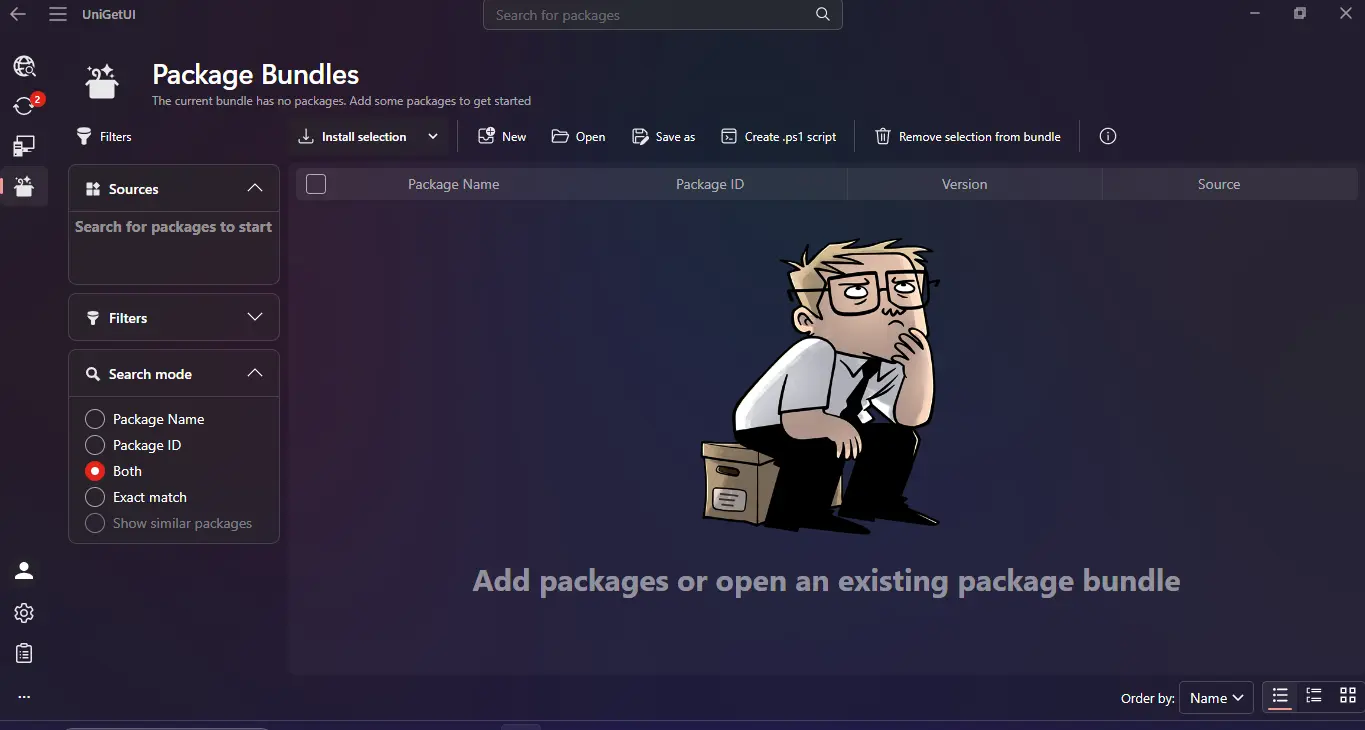
It's a massive time saver, especially after a clean Windows install or when setting up a new PC.
2. Updating everything.
This is probably the closest* Windows has come to the Linux experience.
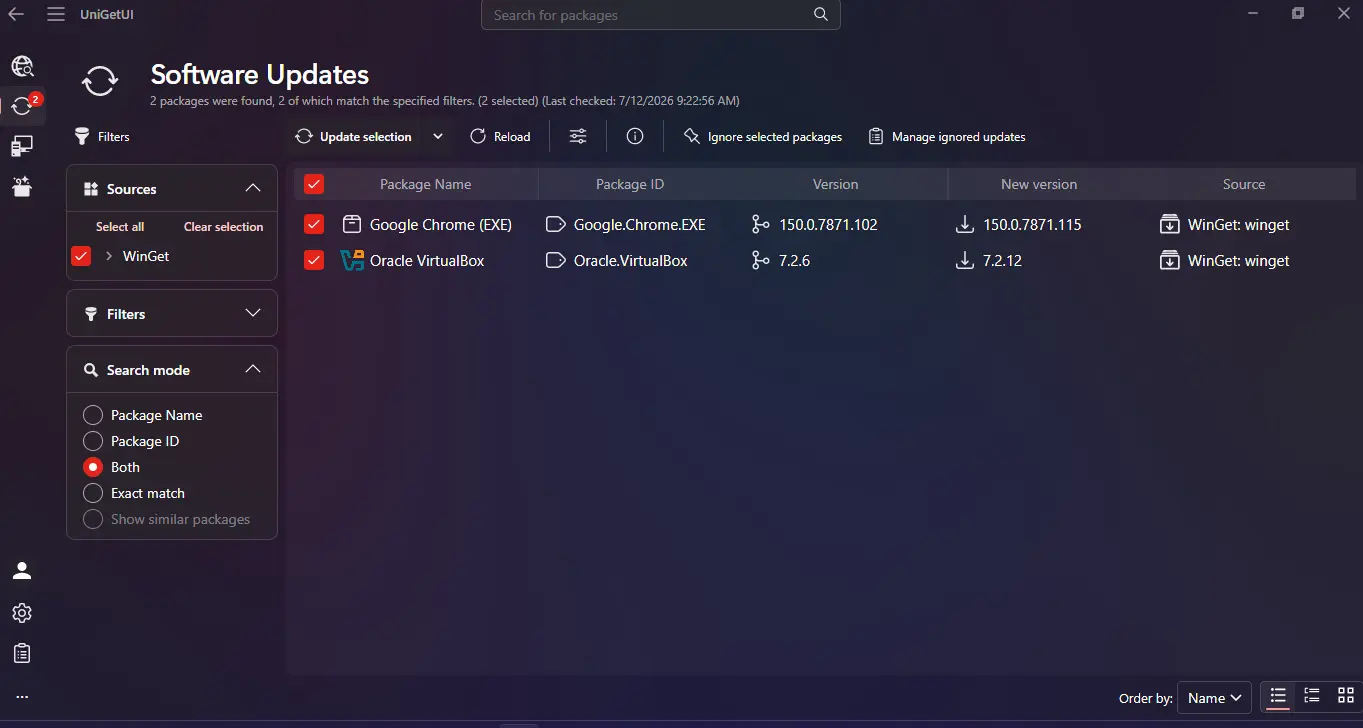
Instead of opening Chrome...
Then VS Code...
Then Discord...
Then updating each application individually...
UniGetUI simply lists every available update.
- Click Update All.
- Wait, wait...
- Done.
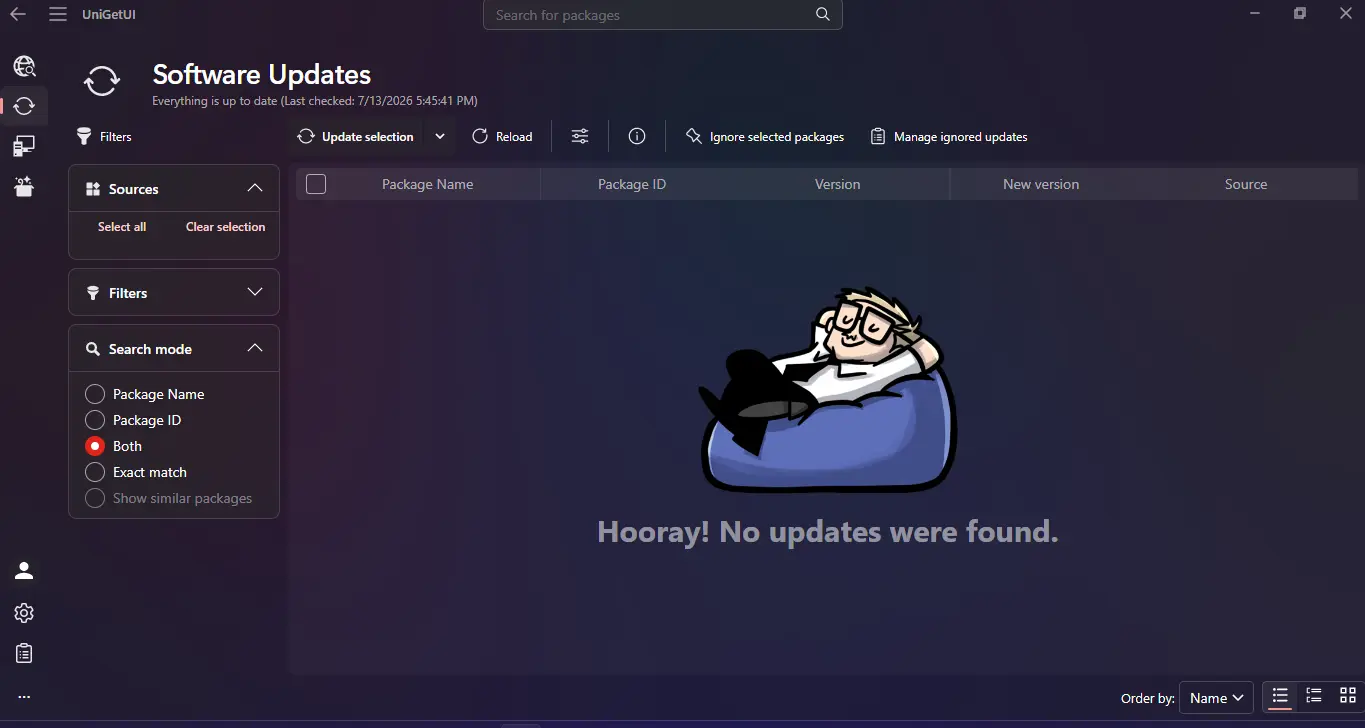
closest because UniGetUI manages applications, not Windows itself. Your OS updates are still handled separately.
It Isn't Perfect Yet
Windows package managers still have some catching up to do.
Not every Windows application is available through Winget or Chocolatey.
Some developers still prefer shipping their own installers.
Others don't publish packages at all.
That means you'll occasionally fall back to the traditional download process.
But things are improving surprisingly quickly.
Every month, more applications become available through package managers, making the experience better than it was just a few years ago.
Should You Use It?
If you're someone who reinstalls Windows regularly...
If you manage multiple PCs...
If you're curious...
Or just tired of playing "find the real download button" every time you need software...
Absolutely.
UniGetUI fixes one of Windows' most annoying habits.
Final Thoughts
UniGetUI has become one of the first applications I install on every Windows machine.
Not because I can't live without it.
Because after experiencing package managers on Linux, I don't want to.
Stay Curious,
Sham.